Your real stats. On your video.
Put speed, pace, heart rate and route on any ride, run, ski, hike or track day, from your camera’s GPS, watch or bike computer.
Free · no watermark · no account · Mac & Windows
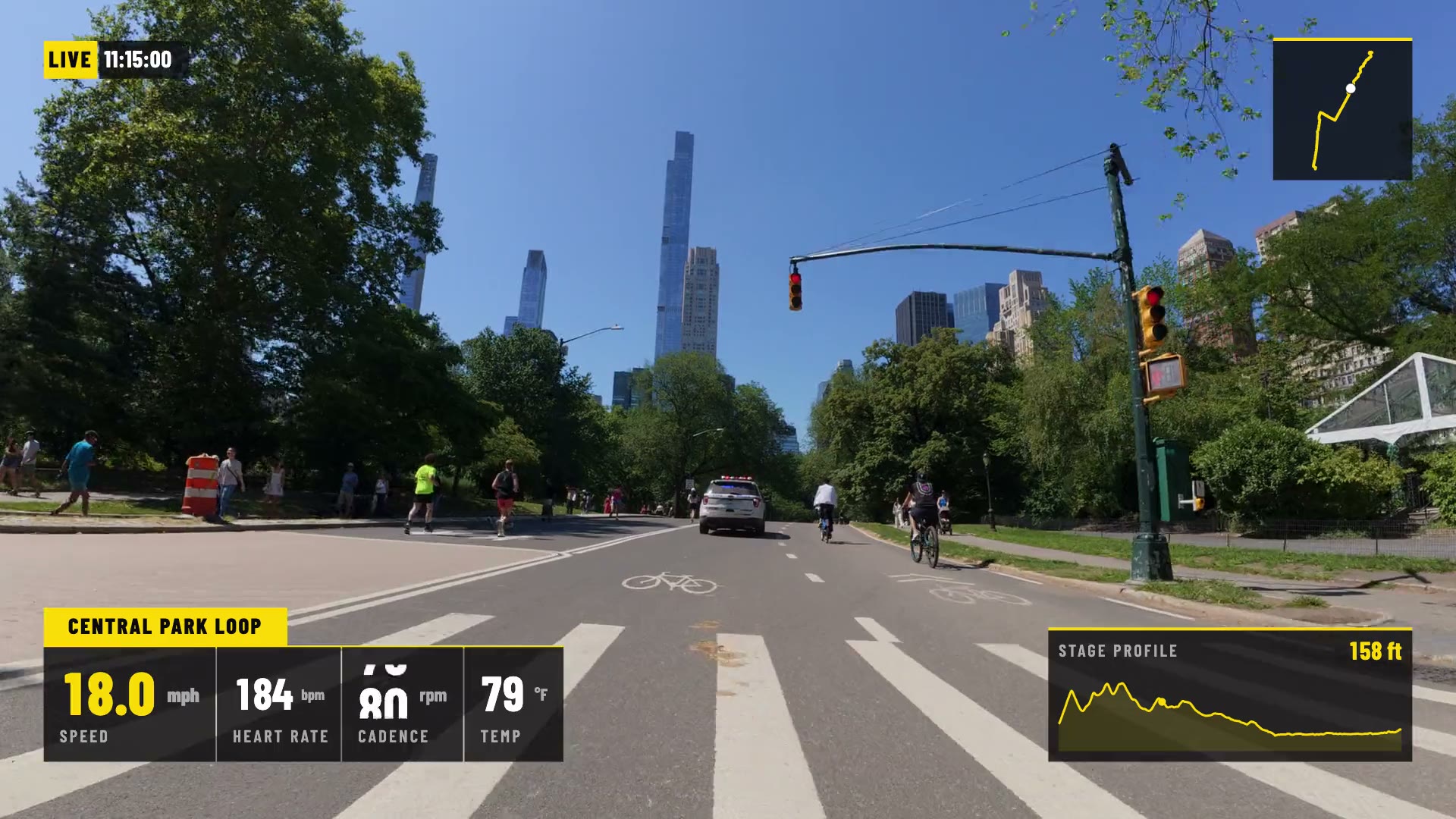
 GaugeReelCentral Park ride
- 35 gauges · 23 free
- GoPro, DJI, Insta360 + FIT/GPX
- No watermark on Free
- Works offline (maps need internet)
- Mac & Windows
Pick your look.
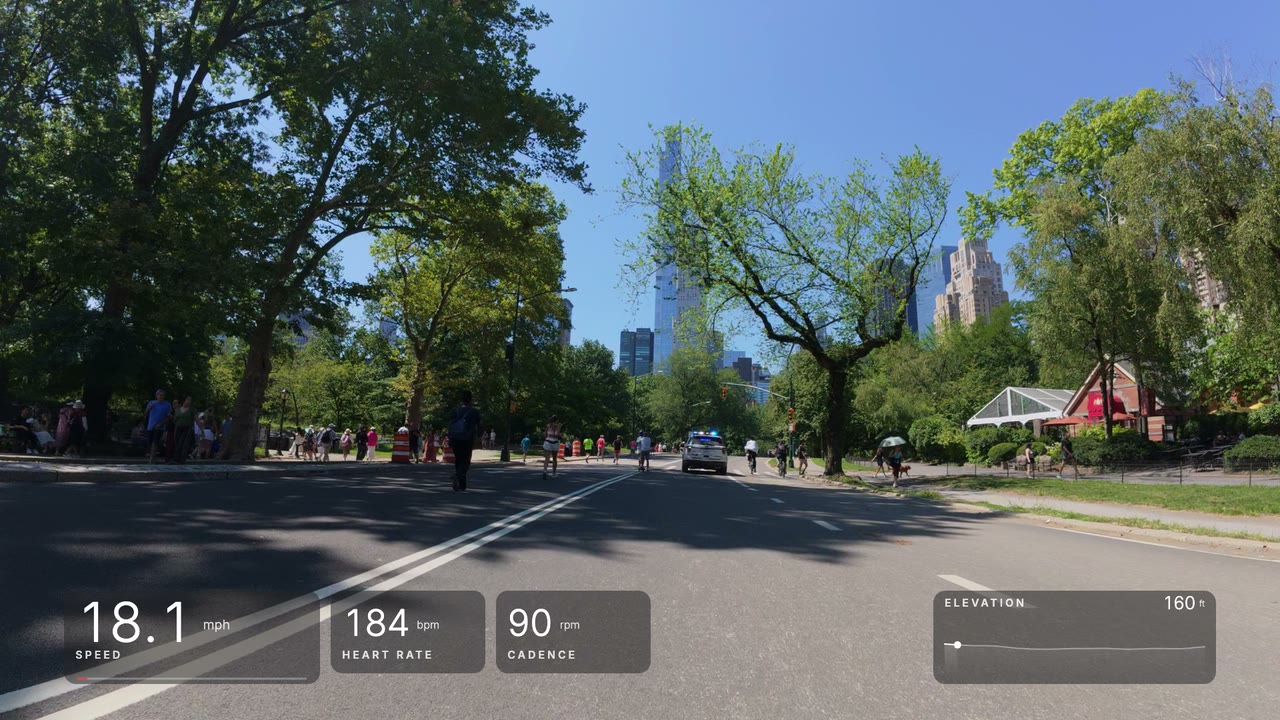
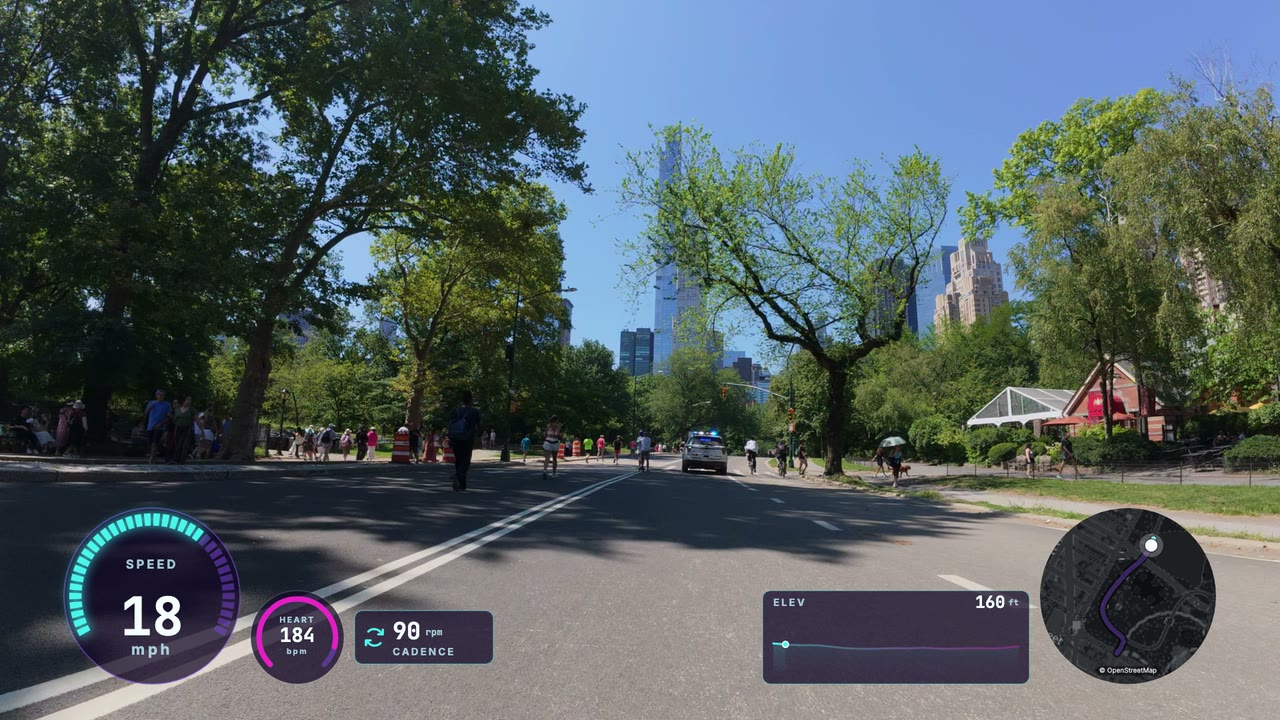
Same ride, ten styles, built from GaugeReel’s gauges.
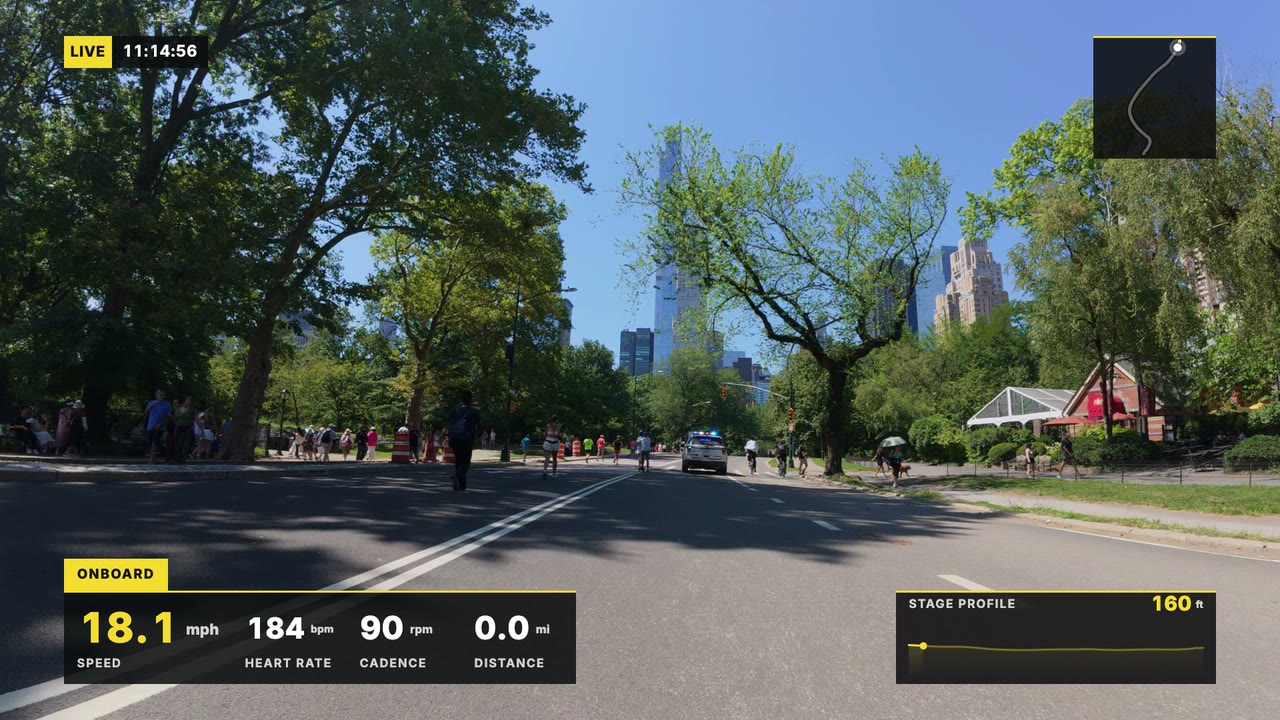
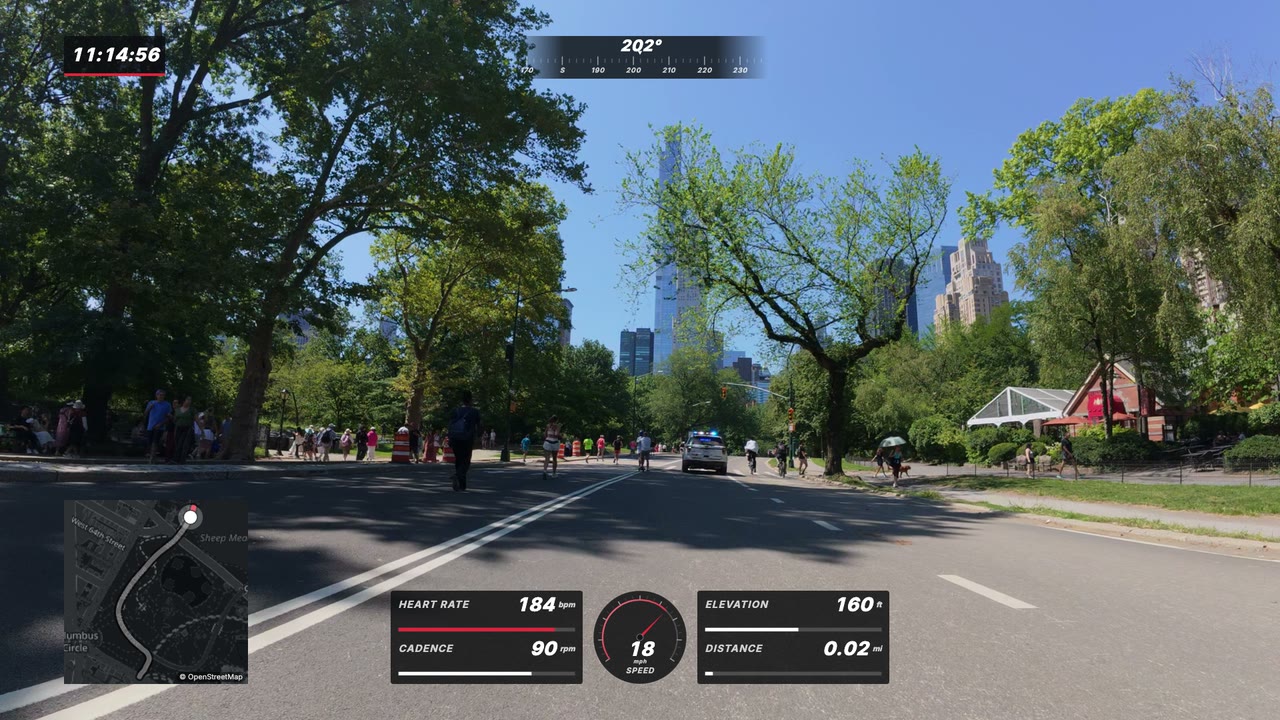
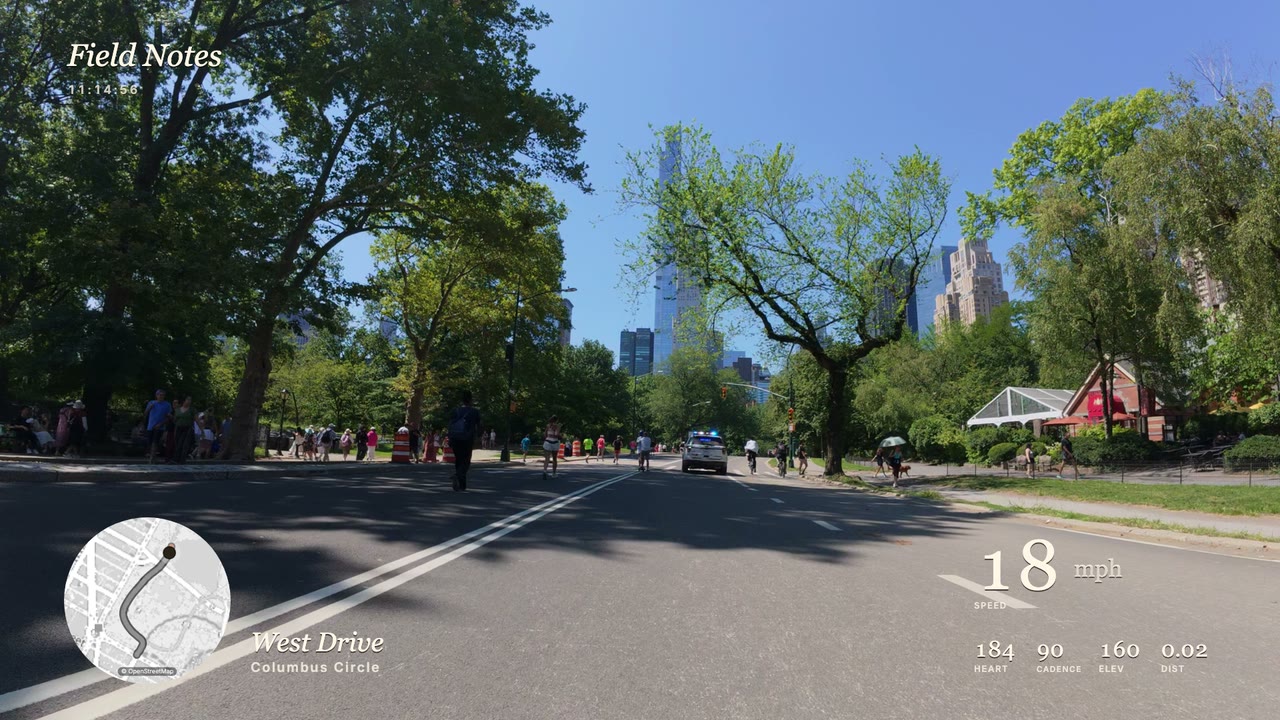
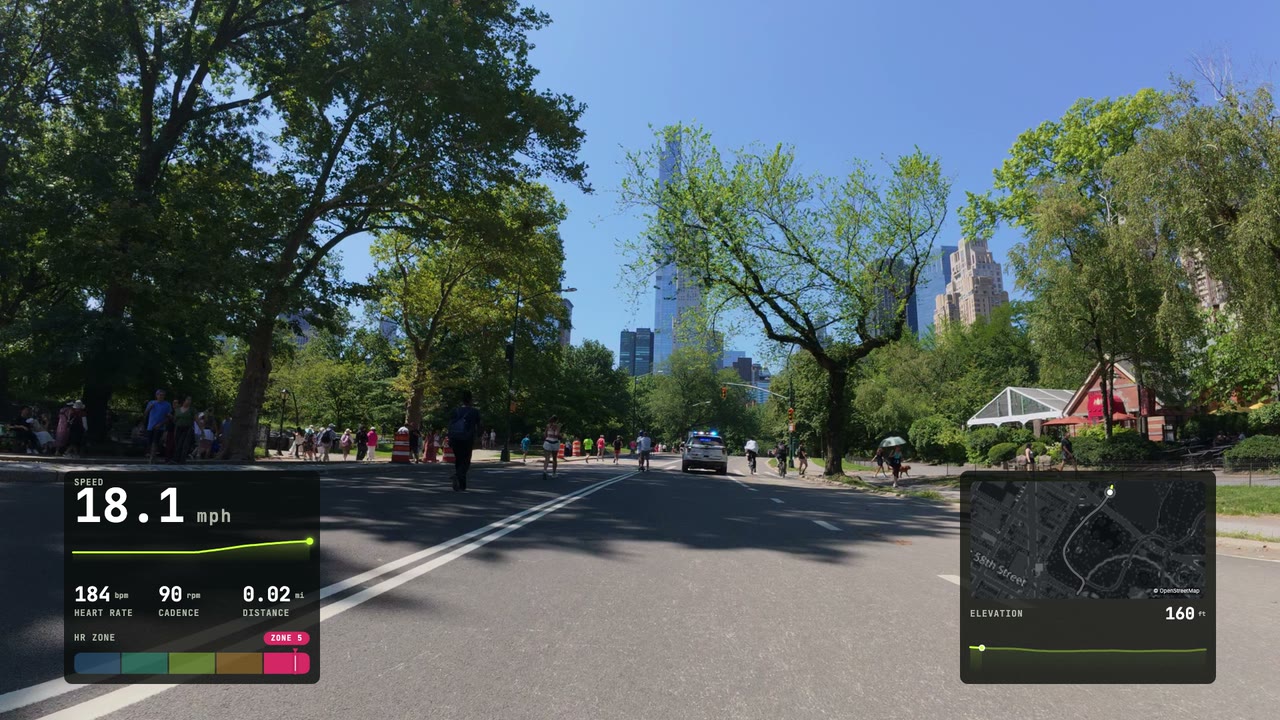
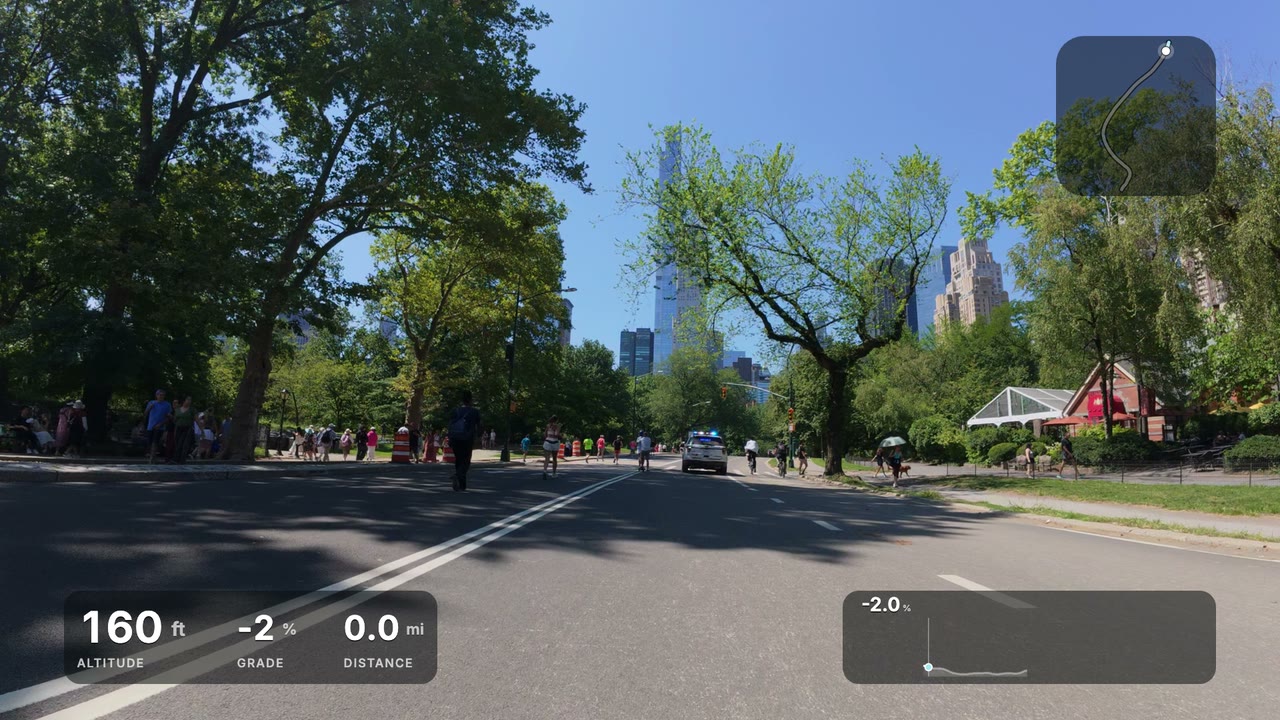
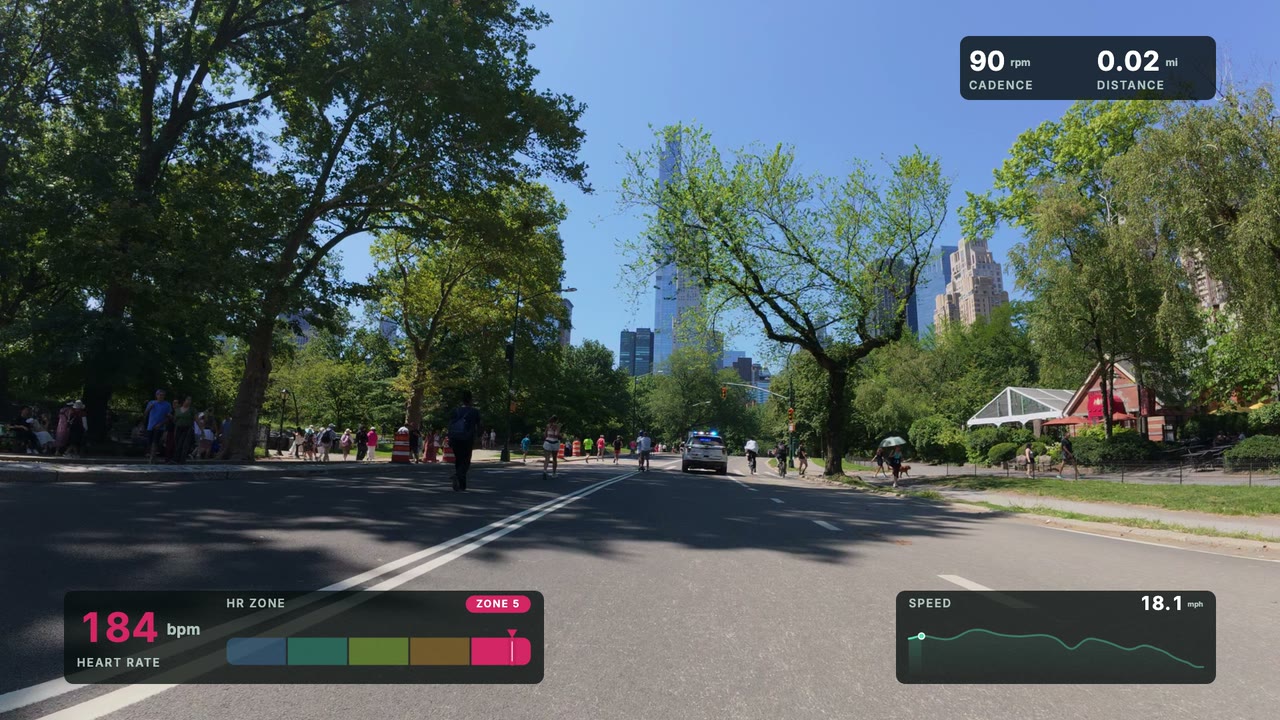
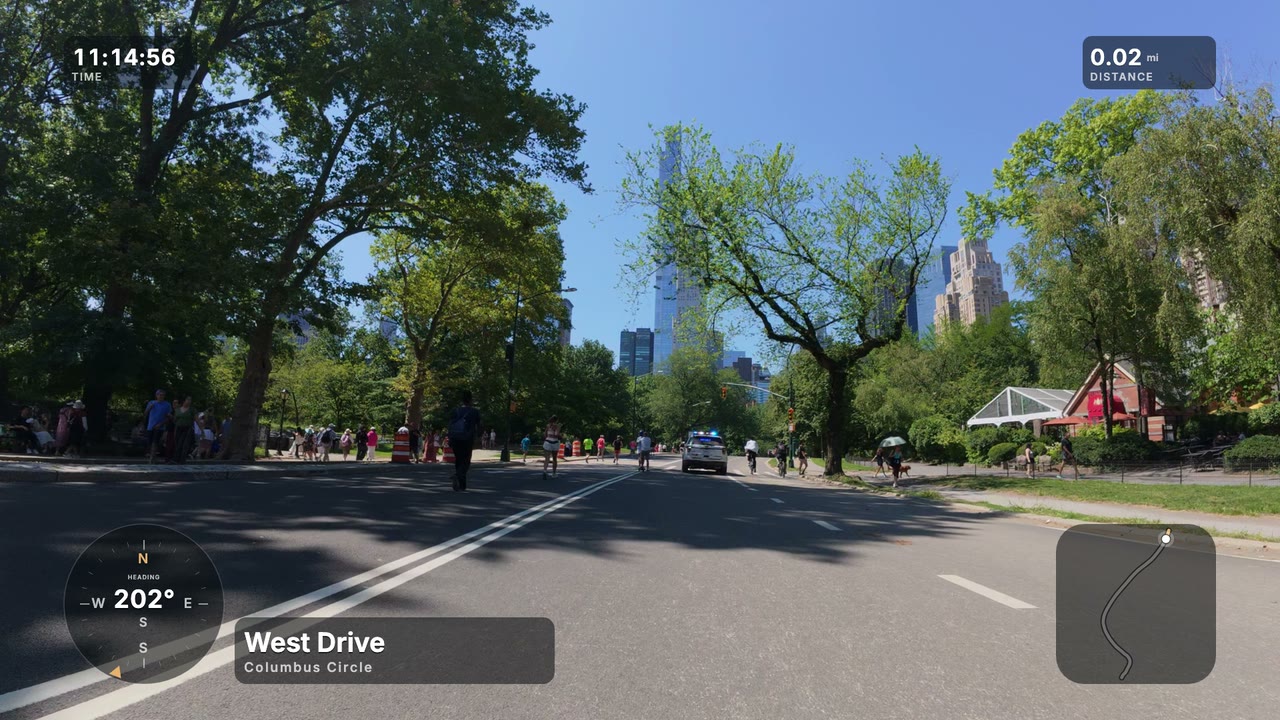
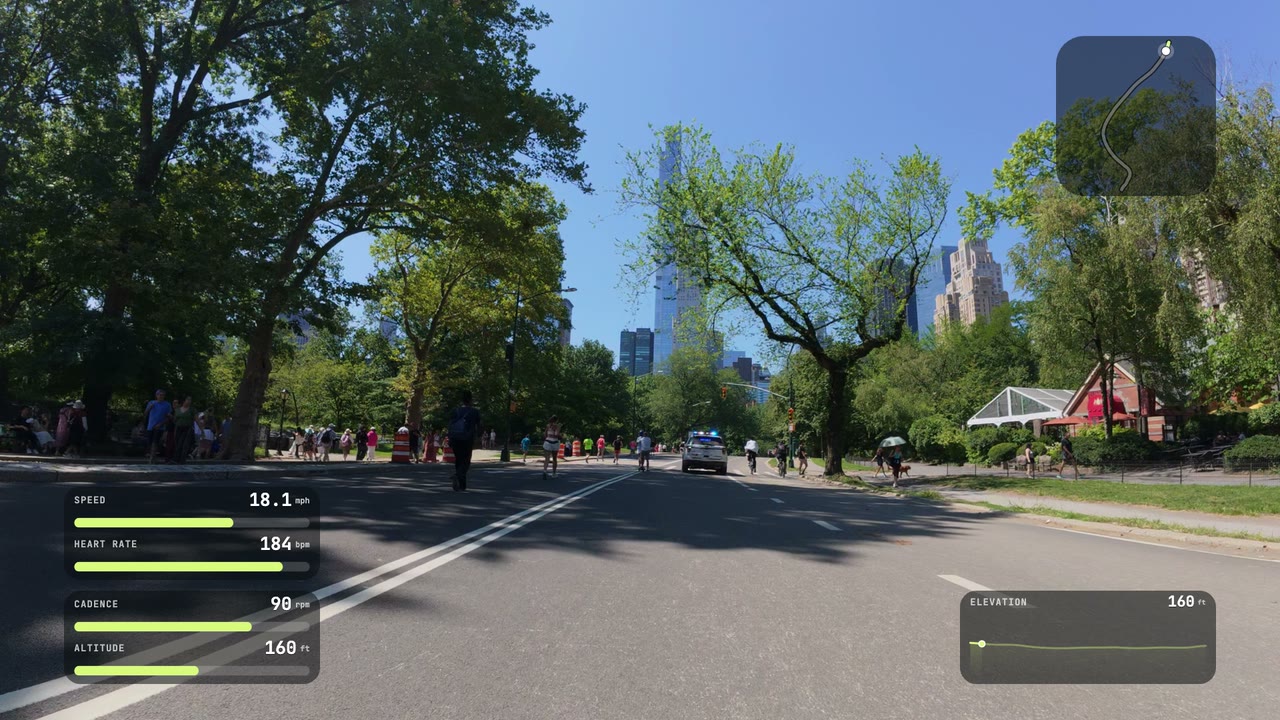
Race-TV lower third
Alpine, Meridian and Vector are Free. Race HUD needs Premium, and the other six use Basic styling (map styles, colours, backplates).
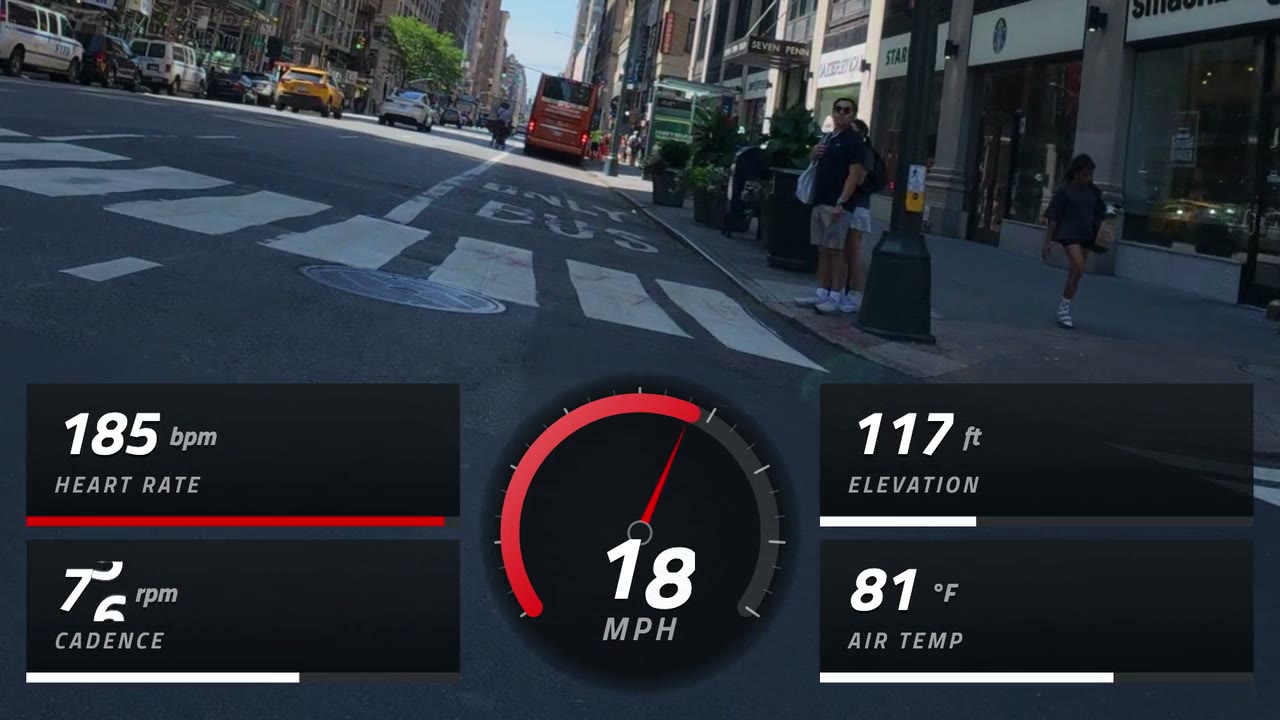
Real rides and walks.
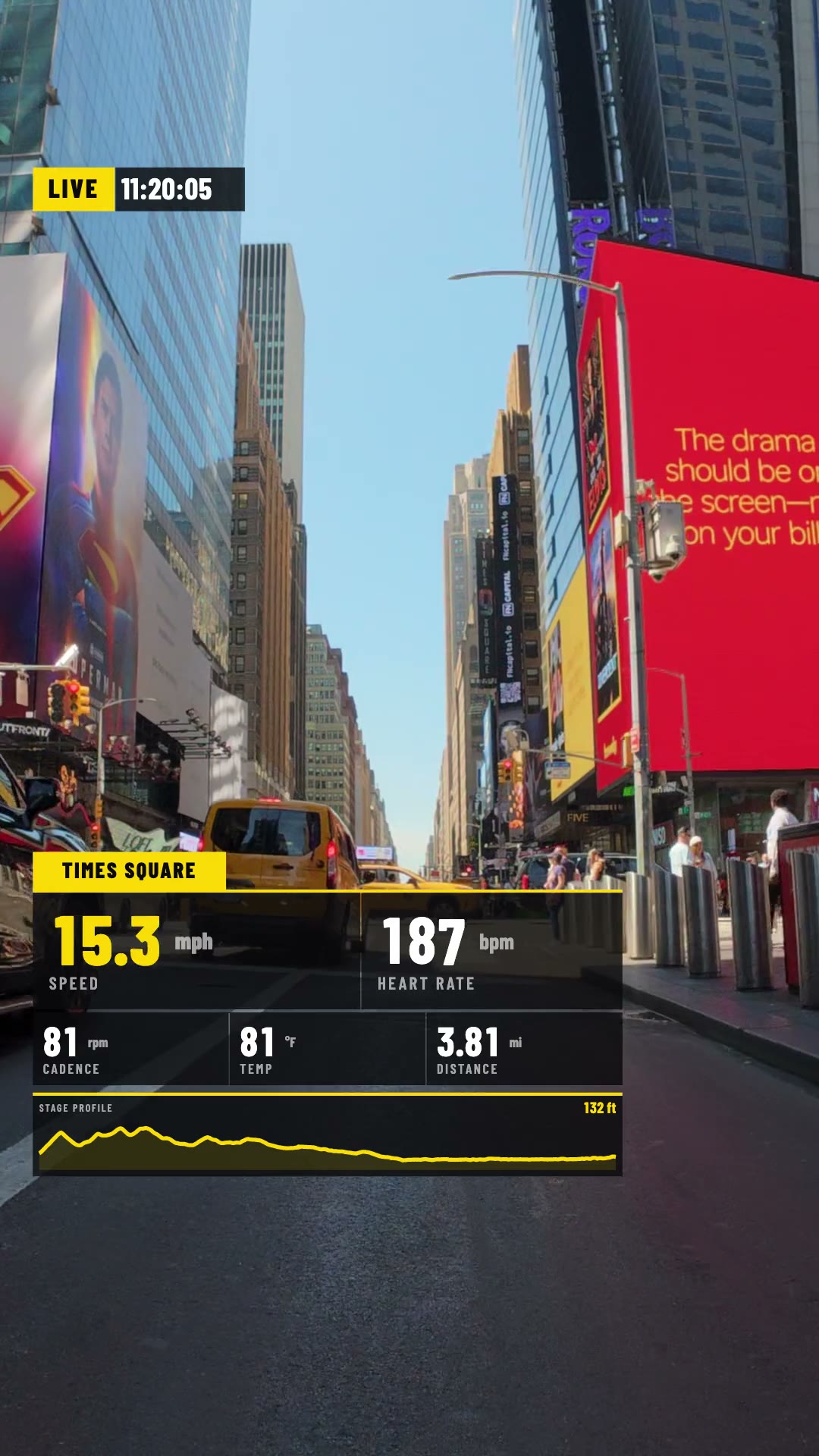
Four clips from New York rides and walks, each exported straight out of GaugeReel.
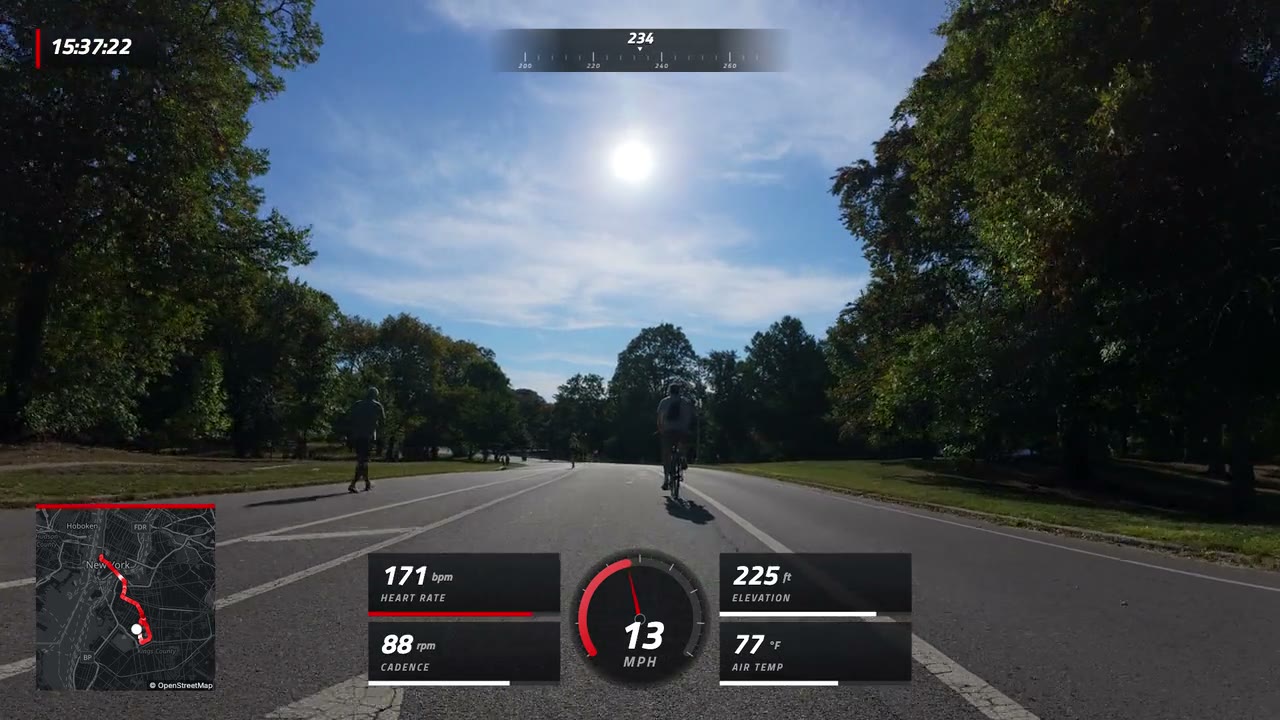
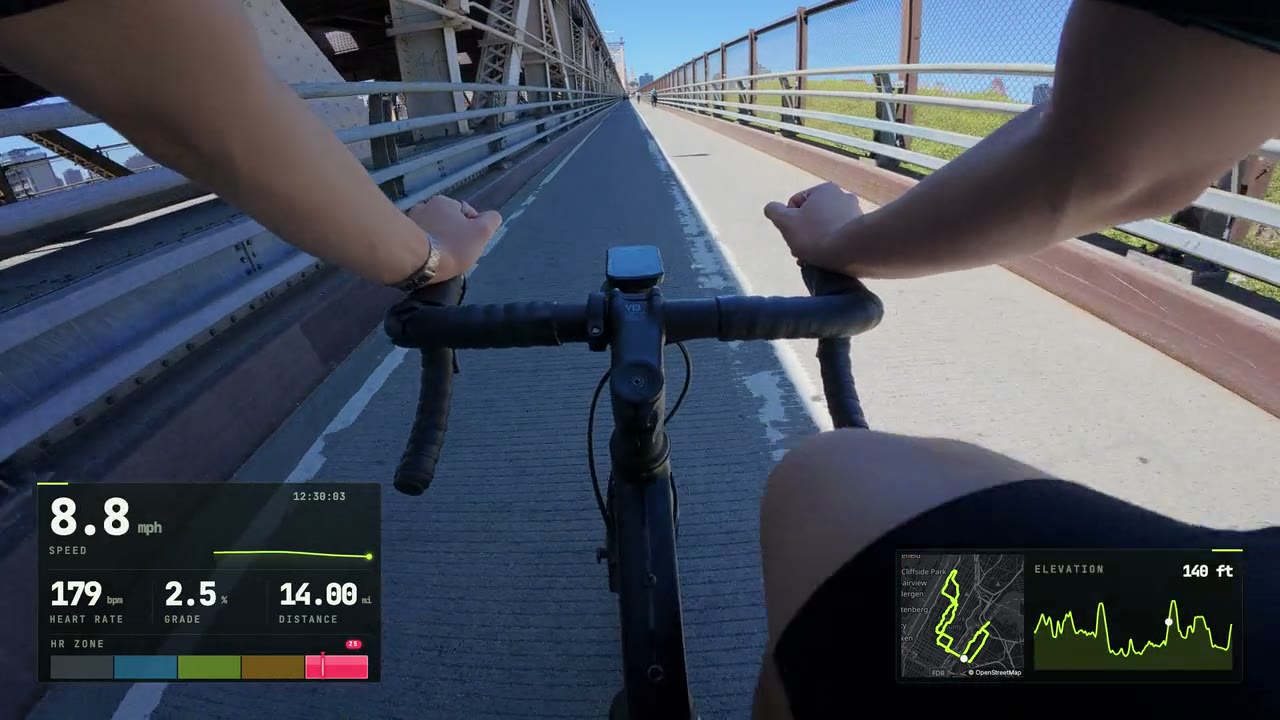
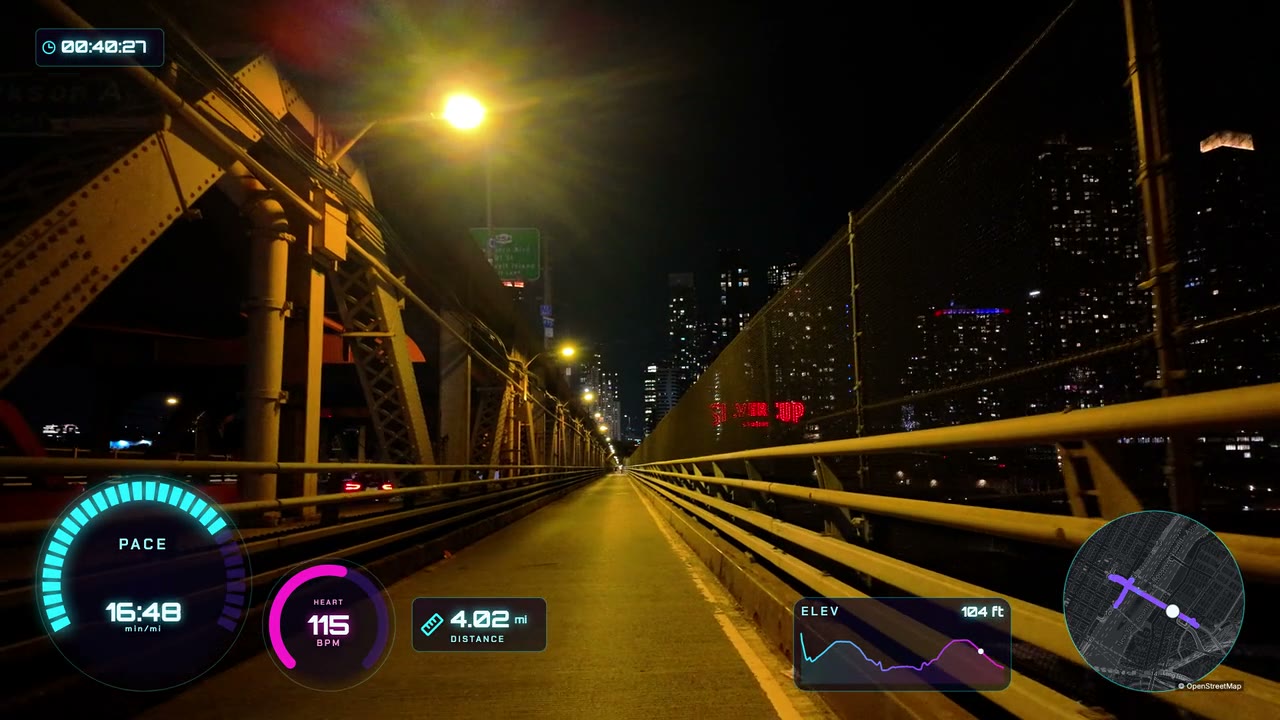
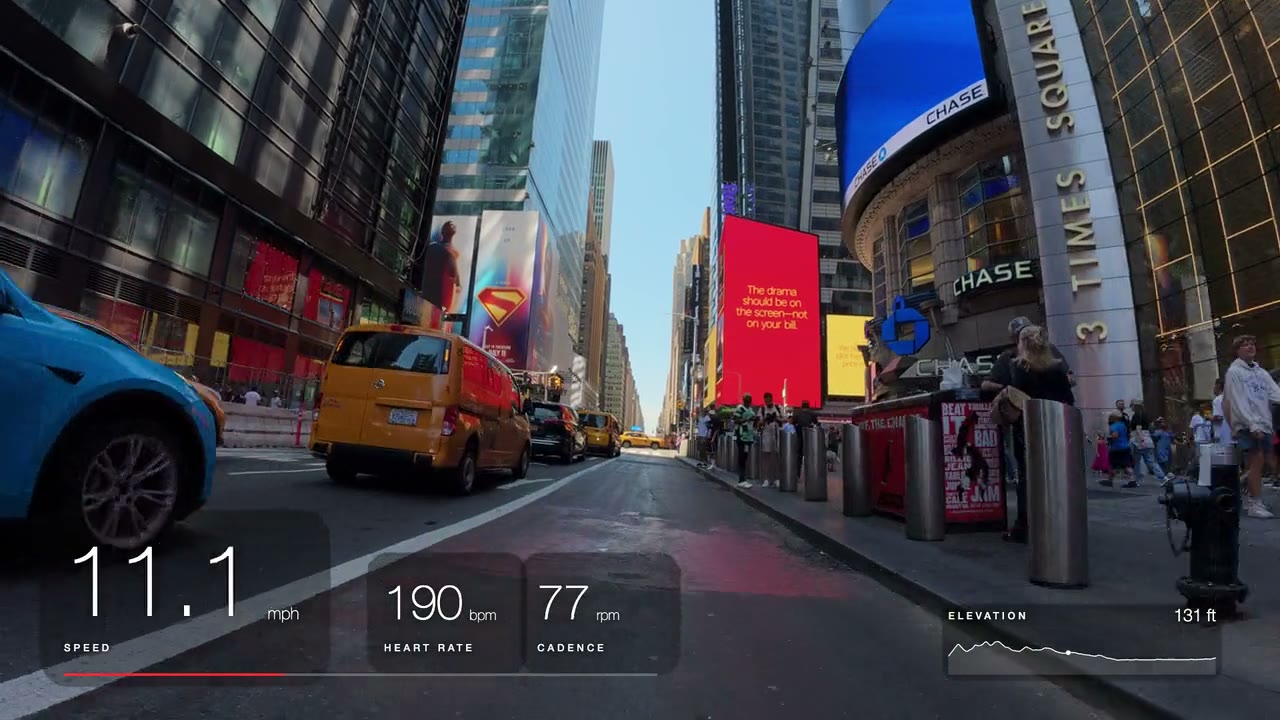
35 gauges. Pick what matters.
Speed, heart rate, cadence and power are free. Steps, calories, maps and dial styles come with Basic; lap timing, lean angle and friction circle with Premium.
Browse every gaugeThree steps. One evening.
- 1
Import
Drop in your clip and the FIT or GPX file from your ride.
- 2
Line it up
Pick gauges, drag them into place, slide the data to match.
- 3
Export
A transparent layer for your editor, or a finished MP4 on Basic.
Posting Reels? Free + CapCut works.
- 1.Get your clip onto the computer (AirDrop, Google Drive or a cable).
- 2.Export a vertical 1080 × 1920 chroma-key MP4 on Free.
- 3.Send it to your phone and lay it over your clip in CapCut.
- 4.Tap Chroma Key. Done.
MP4 export uses the free ffmpeg add-on; the app shows the one-line install. On Basic, GaugeReel burns the gauges straight into your video instead.
Free for good. Upgrade if you want more.
Monthly or annual plans, cancel anytime.
Free
$0forever
- Speed, heart rate, cadence, power & altitude
- Transparent PNG or chroma-key MP4
- Up to 1080p, landscape or vertical, 30 fps
- No watermark, no account, no time limit
Basic
Maps + finished MP4$10/month
- 1080p at 60 fps, double Free’s frame rate
- Burn gauges into your video: finished MP4
- Transparent ProRes 4444 or WebM video
- Full styling: colours, dials, backplates
Premium
$20/month
- Browser editorNew
Desktop + mobile · Import, edit and export. No installation.
- 4K to 8K at any frame rate, ProRes 4444 for Final Cut or Premiere
- Send to DaVinci Resolve · priority support
- Keyframe animation & rolling digits
- Every gauge and style in the app
Compare every feature · Switching from DashWare or Telemetry Overlay? See the best telemetry overlay software.
Questions
Which cameras does it work with?+
GoPro footage with GPS works on its own: GaugeReel reads the data inside the MP4. DJI, Insta360 or any other camera works too. Pair the video with the activity you recorded on your watch, bike computer or phone.
My camera has no GPS. Can I still show speed?+
Yes. Record the ride or run on a watch, bike computer or phone app (Garmin, COROS, Wahoo, Apple Watch, Strava and others), export it as a FIT or GPX file, and import it next to your video.
Is Free really free? Is there a watermark?+
Free has no watermark, no time limit and needs no account. It exports the core gauges (speed, heart rate, cadence, power, altitude) as a transparent PNG sequence or a chroma-key MP4, up to 1080p at 30 fps.
Mac or Windows?+
Both. The Mac version runs on Apple Silicon and Intel; the Windows version needs Windows 10 or 11 (64-bit). Linux is coming.
How do I line the data up with my video?+
Import both files, then slide the data until the gauges match a moment you can see, like a stop or a start. The preview updates as you go.
Does it work offline? Does my footage get uploaded?+
It works offline, and your video never leaves your computer. You only need internet to load map tiles and street names (they are cached for export) and to activate a paid plan.
Can I cancel a paid plan anytime?+
Yes. Basic and Premium are monthly or annual. Upgrade, downgrade or cancel whenever you like from your account; if you cancel, you keep Free.